
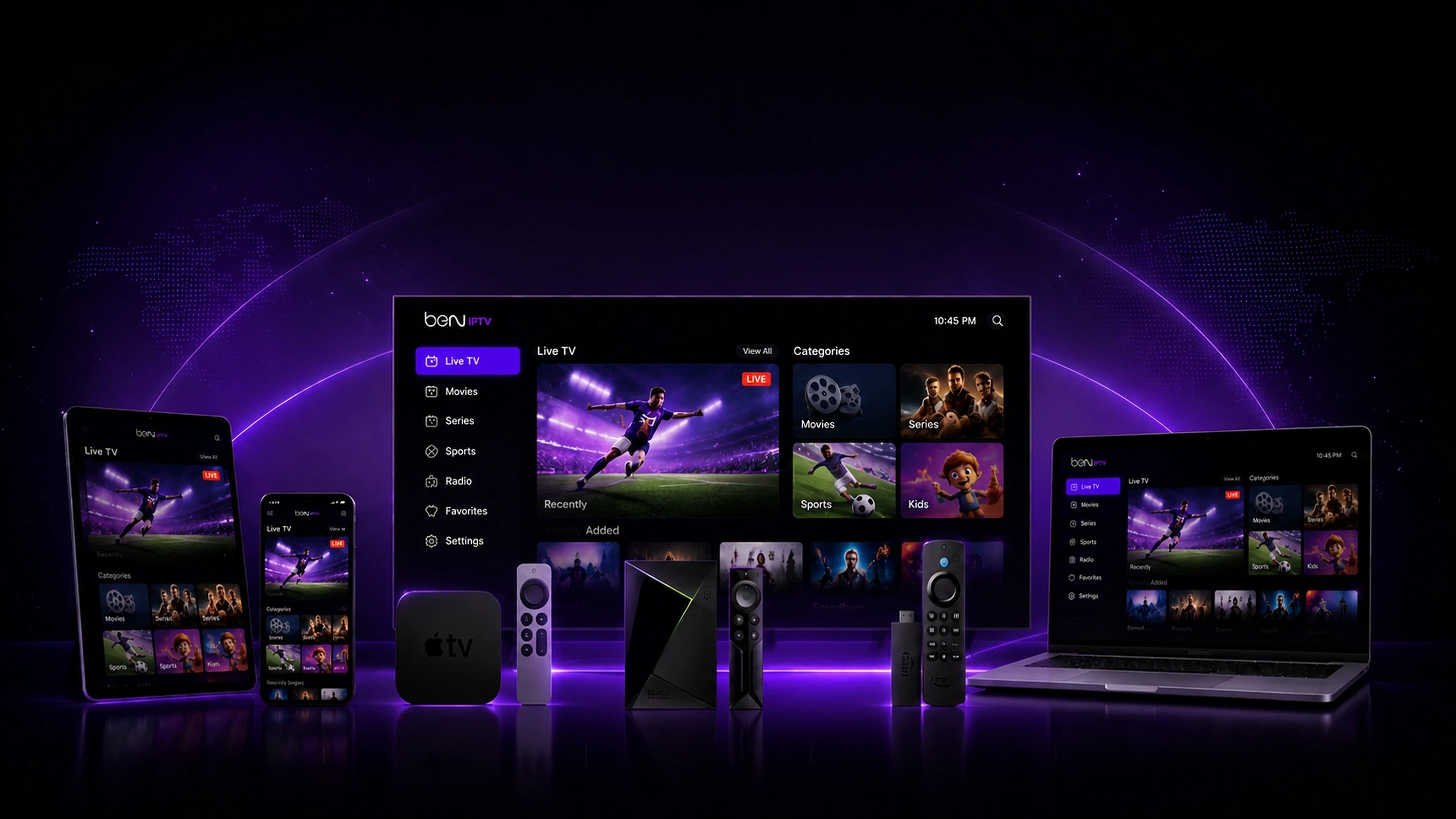
EASY SETUP GUIDE
How to Install BEN IPTV on BuzzTV
Learn how to install BEN IPTV on your BuzzTV device using Downloader and start streaming live TV, sports, movies, and series in just a few minutes.
Instant Activation
24/7 WhatsApp Support
All Devices Supported
Free Trial Available
SETUP GUIDE FOR
BuzzTV Box Setup Guide
STEP 1
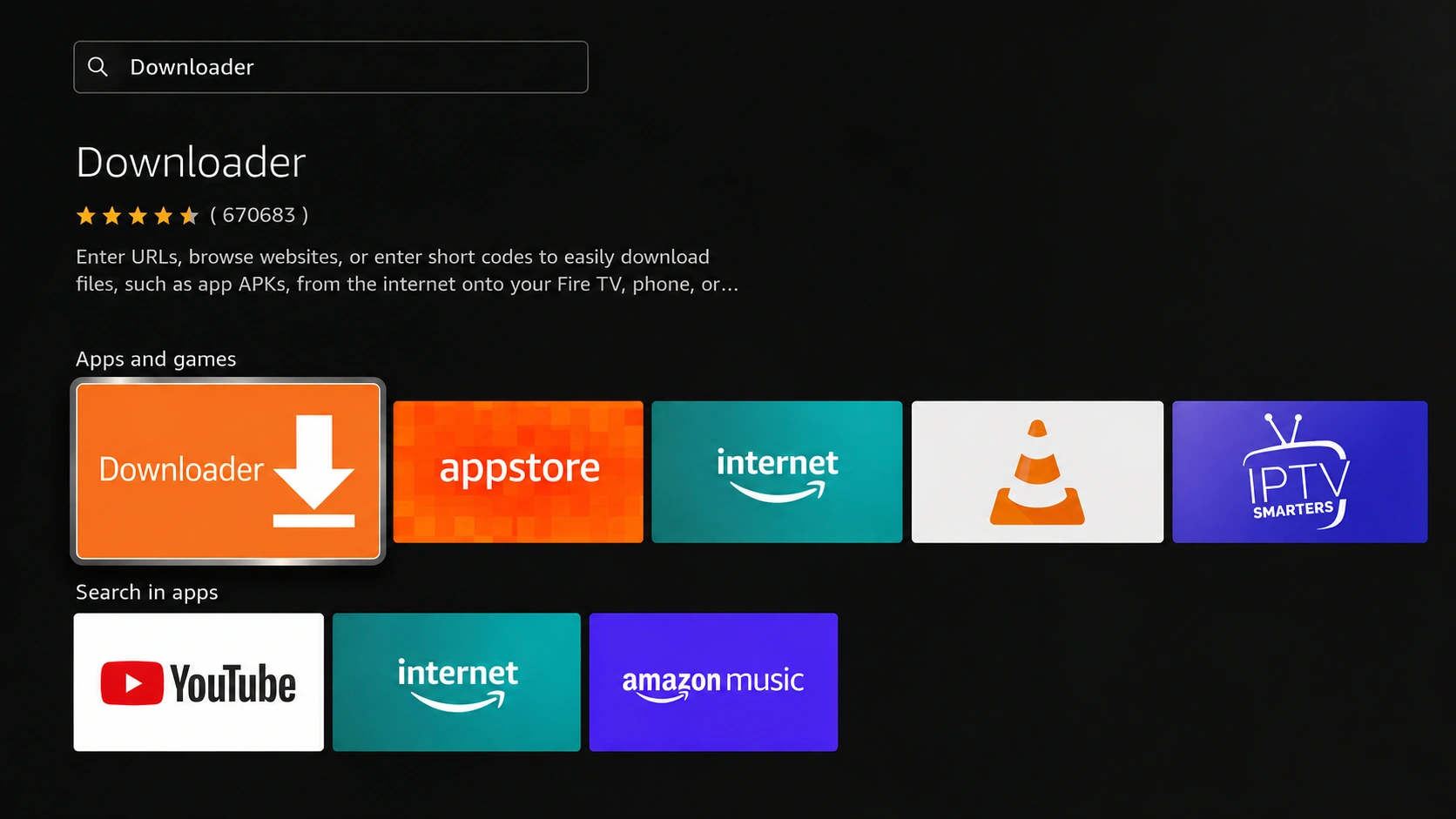
Install Downloader App
Open the Google Play Store on your BuzzTV Box. Search for 'Downloader', select the orange Downloader application by AFTVnews, and click install.
COMPATIBLE IPTV APPLICATIONS
Compatible IPTV Applications
BEN IPTV works seamlessly with the most popular IPTV applications across all supported devices.














NEED ASSISTANCE?
Contact BEN IPTV Support
We'll guide you step-by-step and help you complete setup on your BuzzTV Box. Start streaming without confusion.
QUESTIONS?
Installation FAQ
Setting up BEN IPTV takes less than 5 minutes. Most devices only require downloading a compatible player app (like IPTV Smarters or TiviMate) and entering your activation login credentials (Xtream Codes URL, Username, and Password).
For Firestick and Android TV devices, TiviMate is the absolute best option for live TV and program grids. For LG, Samsung, Apple, and mobile devices, IPTV Smarters Pro or IPTV Smarters Lite provides the most reliable, free-to-use experience.
No. A VPN is not required to stream BEN IPTV because our servers are highly encrypted and secured. However, if your ISP throttles high-bandwidth streams or blocks unknown IP ranges, a VPN (like NordVPN or ExpressVPN) can help stabilize performance.
Yes! While a single subscription plan supports one active stream at a time, you can configure the same login details on as many devices as you like. To stream on multiple devices at the same time, you can choose one of our multi-connection pricing plans.
If your playlist or connection fails, double check that your Username, Password, and Server Portal URL are entered exactly as sent (they are case-sensitive). Ensure your device is connected to active internet. If issues persist, contact our 24/7 support team.
You can contact us instantly by clicking the WhatsApp Live Chat badge on our website or sending us a message directly. Our support team is available 24/7 to guide you through setup and help configure your device.
READY TO START?
Start Your 24H Free Trial
Get instant access to 25,000+ live channels, movies & series. Experience reliable streaming on your BuzzTV Box in under 5 minutes.
Instant Activation
24/7 Support
Works On All Devices
7-Day Money Back
25K+Live Channels
100K+Movies & Series
99.9%Uptime Guarantee
24/7Expert Support