Como Corrigir Travamentos no IPTV: Diagnóstico de Rede
QUICK DIRECT ANSWER
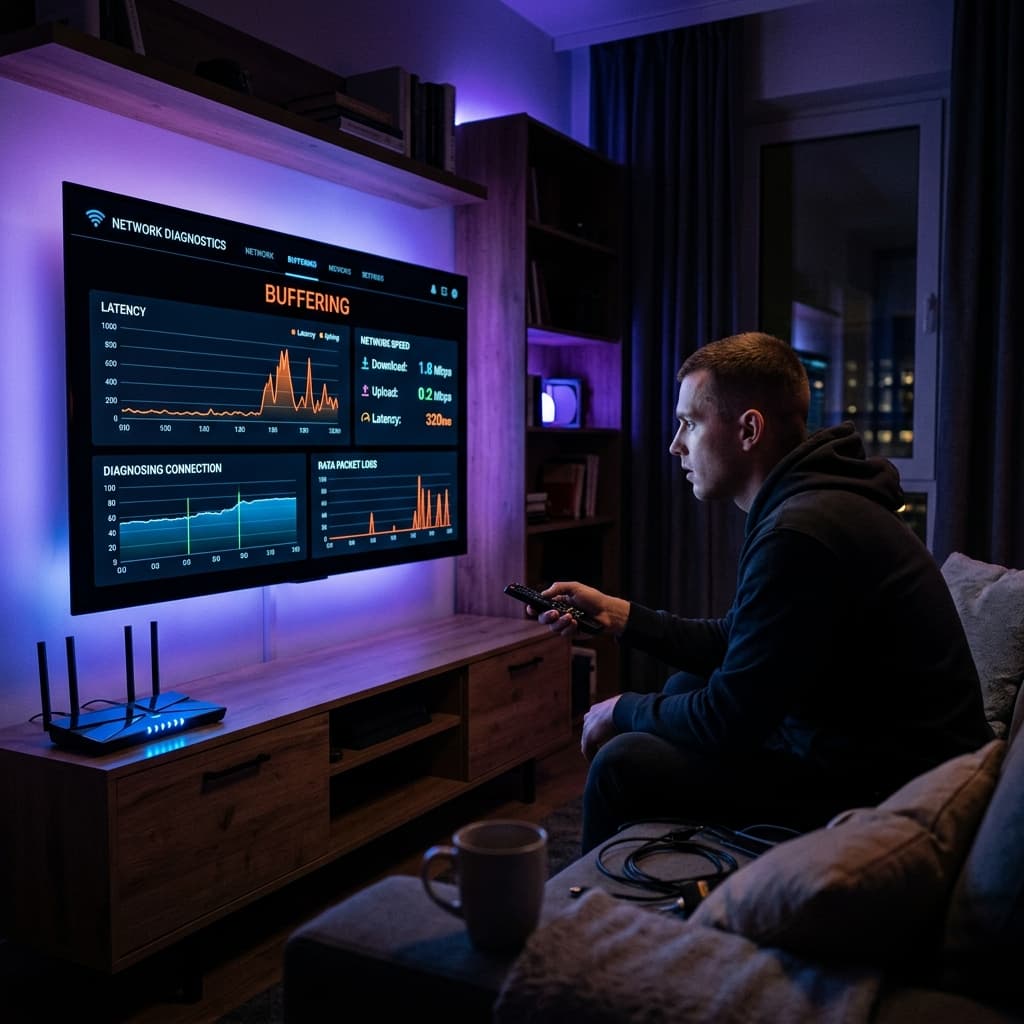
IPTV buffering is primarily caused by ISP throttling, network congestion, or improper buffer settings. Fix it by switching to a wired ethernet connection or changing the DNS servers on your streaming device.
Few things disrupt a live broadcast like buffering. While many blame the streaming servers, the bottleneck is almost always within the local network or the internet routing path. This guide provides technical network diagnostic steps to solve buffering for good.
Table of Contents
1.Bypassing ISP Bandwidth Throttling
Internet Service Providers (ISPs) often monitor network traffic and detect high-bandwidth video streams. To prevent network congestion, they intentionally throttle connection speeds to streaming servers. Using a virtual private network (VPN) encrypts your data packets, making it impossible for your ISP to throttle your IPTV data. The VPN hides the destination address of the server, routing traffic through secure midpoints that appear as normal web traffic to the ISP. We recommend using VPN protocols like WireGuard or OpenVPN UDP to minimize encryption latency.
2.Custom DNS Server Configurations
Default ISP DNS servers are often slow and filter streaming connections. Switching to public DNS servers like Cloudflare (1.1.1.1) or Google Public DNS (8.8.8.8) increases lookup speed and bypasses localized address blocking. DNS resolution is the mechanism that translates domain names into IP addresses. Slow translation delays the initial handshake of streams, leading to long buffering pauses during channel switching.
3.Comparison Matrix
| DNS Provider | Primary Server | Secondary Server | Averages |
|---|---|---|---|
| Cloudflare | 1.1.1.1 | 1.0.0.1 | Fastest Lookup |
| Google Public | 8.8.8.8 | 8.8.4.4 | Extremely Reliable |
| ISP Default | Varies | Varies | Slow / Filtered |
4.Pros and Cons
Pros
- •Wired stability: Ethernet reduces packet loss to zero.
- •Custom DNS: Bypasses local network filtering.
- •VPN security: Prevents targeted speed throttling.
Cons
- •VPN overhead: Adds slight processing load to low-end devices.
- •Wiring: Running ethernet cables throughout a home can be difficult.
- •Config: Manual configurations require basic technical comfort.
5.Common Challenges
The most common problem is a weak WiFi signal. 2.4GHz bands are prone to interference from other appliances. Connect your device to a 5GHz network band or run a physical network wire. Furthermore, high latency (ping over 100ms) to the streaming server node will force constant cache drops, causing loops.
6.Step-by-Step Troubleshooting
- 1Run Speedtest: Check that your connection is at least 30 Mbps.
- 2Change DNS Settings: Navigate to device settings and insert custom DNS parameters.
- 3Enable VPN Connection: Use a fast protocol like WireGuard to route your traffic securely.
- 4Restart Network Gear: Power cycle your modem and router to clear routing caches.
Frequently Asked Questions
Q:What is a good internet speed for IPTV?
A minimum speed of 25 Mbps is recommended for HD streaming, and 50+ Mbps is ideal for 4K streams.
Q:Will a VPN slow down my streaming speed?
A high-quality premium VPN has minimal impact and can actually improve speed if your ISP was throttling you.
Q:How do I change DNS on my Android TV?
Go to Settings > Network & Internet, select your connection, click IP settings, change to Static, and input the DNS IPs.
Q:Does buffering damage my streaming device?
No, buffering is simply a software wait state and does not cause hardware harm.
Q:Should I reset my router to fix buffering?
Yes, restarting your router clears accumulated cache and opens fresh streaming routes.
Q:Does background download on other devices affect IPTV?
Yes, large downloads consume total household bandwidth. Turn on QoS (Quality of Service) on your router to prioritize TV traffic.
Conclusion
Applying correct network configurations ensures an uninterrupted streaming experience. Contact our technical support team for detailed diagnostic steps.
Pronto para uma experiência de streaming premium?
Junte-se à BEN IPTV hoje e obtenha acesso instantâneo a mais de 20.000 canais de TV ao vivo, esportes mundiais e milhares de filmes em 4K/8K.
Recommended Reading

Melhor Player IPTV para Smart TV: Guia de Instalação
Otimizando o Firestick para IPTV: Requisitos do Sistema e Configuração

Guia de Segurança IPTV: Como Proteger Sua Privacidade