
How to Configure IPTV Smarters Pro Using M3U Links
QUICK DIRECT ANSWER
To set up an M3U link on IPTV Smarters Pro, open the application, select 'Load Your Playlist or File/URL', name your playlist, paste your M3U playlist URL, and click 'Add Playlist'. The app will automatically categorize live channels, movies, and series.
IPTV Smarters Pro (also known as Smarters Player Lite on iOS Apple Store) is one of the most widely used streaming applications globally. Compatible with Android, iOS, Windows, Mac, and Smart TVs, it features a clean layout and supports EPG scheduling. This setup guide explains how to import M3U links and optimize player settings.
Table of Contents
1.1. Step-by-Step M3U Integration on Smarters App
Launch the application on your device. On the main login screen, click on the option labeled 'Load Your Playlist or File/URL'. Choose the 'M3U URL' connection option. Enter a descriptive name for the list, and paste the complete M3U playlist URL provided by your subscription.
Click 'Add Playlist'. The application will parse the channels and display them in separate folders. To verify that your channels are active and load correctly under your current network speed, you can request a 24-hour free trial. Generating your test credentials takes under five minutes, with no credit card details required.
2.2. Setting Up Stream Security and Router VPNs
Because IPTV Smarters Pro processes high-bandwidth HD feeds, your local internet service provider (ISP) can monitor your data packets. During live sports broadcasts or popular movie releases, they may apply speed blocks or limit your line speed. Running a secure VPN encrypts your traffic to bypass these limits.
If you choose the BEN IPTV annual plan, you'll receive a premium VPN included free for the duration of your subscription. This service installs as a simple app on your streaming device, keeping your connection fully private and secure.
3.Comparison Matrix
| Connection Option | Setup Details | EPG Support | VOD Cover Art |
|---|---|---|---|
| M3U Playlist URL | Requires pasting long M3U link | Yes (via XMLTV parameter) | Limited |
| Xtream Codes API | Requires Server, User, and Pass | Automatic Integration | Full Support |
4.Pros and Cons
Pros
- •100% free application available on all popular operating systems.
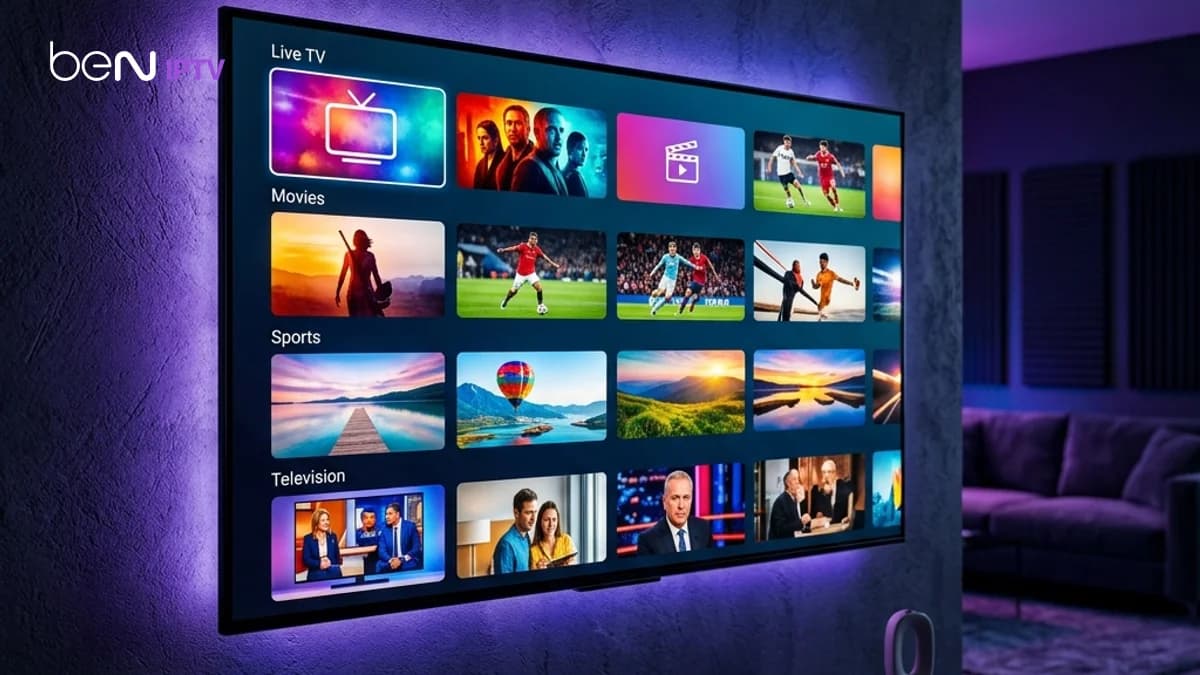
- •Clean home dashboard with separate folders for live TV, movies, and series.
- •Supports external players like VLC or MX Player for playback.
Cons
- •Type errors in long M3U URLs are common during manual input.
- •The interface contains ads in some free versions of the application.
- •Requires consistent internet speeds of 15 Mbps for stable streaming.
5.Common Challenges
A common issue is receiving a 'Network Error' or 'Playlist Error' when attempting to load the M3U link. This indicates that the URL is missing characters or your local internet provider is blocking access to the streaming servers. Activating a VPN resolves this issue.
6.Step-by-Step Troubleshooting
- 1Verify that the M3U URL you entered is complete and has no spaces.
- 2Clear the application cache inside your device settings to reset memory allocation.
- 3Enable your VPN to bypass local network restrictions or port blockages.
Frequently Asked Questions
Yes, Smarters Player Lite is the official and safe version of IPTV Smarters available on the Apple App Store.
Yes, you can select 'Login with Xtream Codes API' on the login screen to connect using your credentials.
Conclusion
IPTV Smarters Pro is a highly reliable choice for multi-device streaming. Verify our connection stability with Smarters by starting a free trial today.
Recommended Reading

Arabic Sports M3U Bein Setup
Formuler Tv Box Review And Setup
Shield Tv Pro IPTV Setup
Multi Room IPTV Subscriptions
Experimente o BEN IPTV antes de assinar
Diferentes dispositivos, sistemas operacionais e players de IPTV funcionam de maneiras distintas. Uma conta de teste gratuita permite verificar esses pontos antes de escolher uma assinatura:
- ✓Verificar compatibilidade do aparelho
- ✓Verificar qualidade de transmissão
- ✓Testar canais disponíveis
- ✓Avaliar desempenho do player
- ✓Confirmar estabilidade da rede