
Complete Setup Guide for Xtream Codes IPTV on Smart TV
QUICK DIRECT ANSWER
To set up an Xtream Codes IPTV list on a Smart TV, install a player application like IPTV Smarters or TiviMate, select the 'Login with Xtream Codes API' option, and input the server URL, username, and password provided by your subscription. Upgrading to a premium provider guarantees optimal connection speeds.
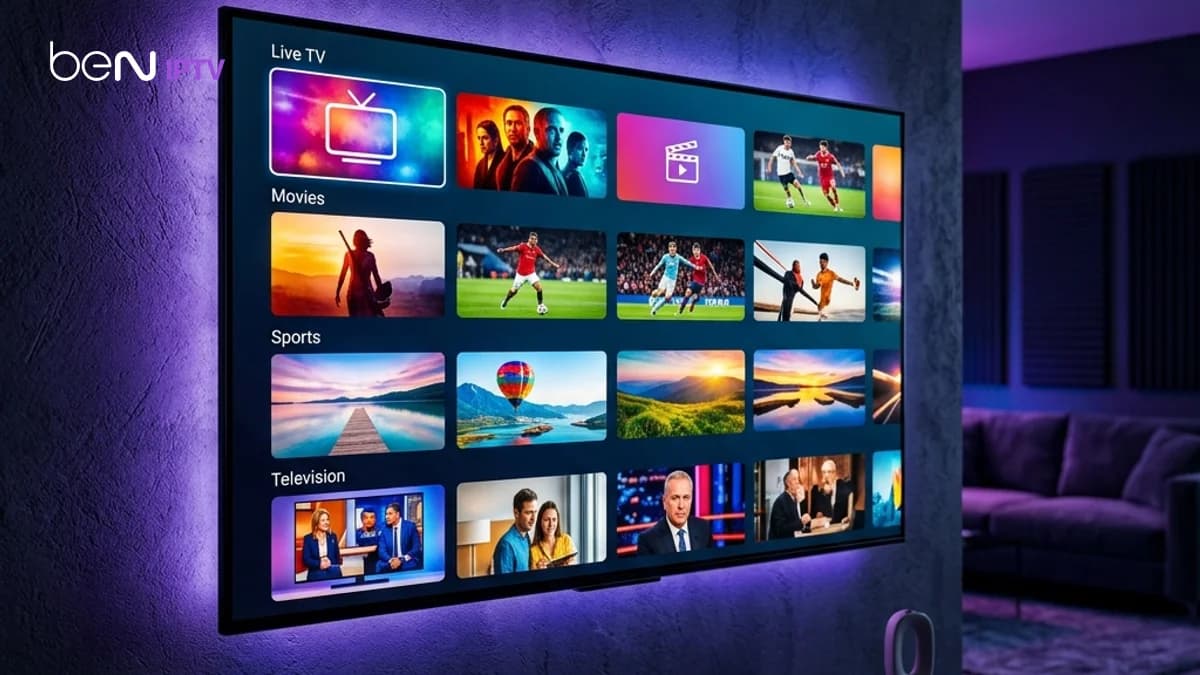
Smart TVs are the most popular devices for streaming live international television. Setting up your connection using Xtream Codes API provides an organized layout with separated live channels, movies, and TV series categories. This guide covers the complete setup process for Samsung, LG, and Android Smart TVs, along with optimization configurations.
Table of Contents
1.1. Step-by-Step Installation on Smart TVs
Start by opening the app store on your Smart TV (such as the Google Play Store, Samsung Content Store, or LG Content Store) and search for a compatible IPTV player. Once installed, launch the application and choose the option to connect using the Xtream Codes API interface.
Input the exact server address, your unique username, and password. The application will authenticate your credentials and download the channel list. To test this connection interface and check channel compatibility on your specific television model, you can set up a 24-hour free trial. Setting up your test takes less than five minutes, with no credit card required.
2.2. Setting Up VPN Protection on Your Television
Streaming high-definition video directly on your Smart TV consumes significant bandwidth. If your internet service provider (ISP) detects continuous streaming requests, they may apply speed blocks or limit your line speed, resulting in constant buffer circles. Running a secure VPN encrypts your traffic, bypassing ISP filters.
If you choose the BEN IPTV annual plan, you'll receive a premium VPN included free for the duration of your subscription. This service helps you maintain maximum speeds and bypass regional restrictions directly on your Smart TV.
3.Comparison Matrix
| Smart TV Platform | Recommended Player App | EPG Support | Uptime Reliability |
|---|---|---|---|
| Android TV / Google TV | TiviMate / IPTV Smarters | Excellent (Auto-Sync) | Very High |
| Samsung Tizen OS | IBO Player / Smarters Pro | Good (Manual Sync) | High |
| LG webOS | IBO Player / Smart IPTV | Good | High |
4.Pros and Cons
Pros
- •Easier connection than typing long M3U URLs.
- •Auto-updates channels and movies dynamically.
- •Interactive electronic programming guide (EPG) loads by default.
Cons
- •Requires player applications that may charge a one-time activation fee.
- •Requires consistent internet speeds above 15 Mbps for Full HD.
- •Some television operating systems limit side-loading of new apps.
5.Common Challenges
The most common problem is receiving an 'Authorization Failed' message when logging in. This is usually caused by typing mistakes in the server domain, using 'http://' instead of 'https://', or account expiration. verifying your credentials and server port solves this.
6.Step-by-Step Troubleshooting
- 1Check your server URL syntax: ensure the port number is included at the end.
- 2Clear application data or cache in your Smart TV settings menu.
- 3Confirm your subscription status with your provider to ensure access is active.
Frequently Asked Questions
No, compatible IPTV applications save your Xtream Codes API credentials and load your channels automatically on launch.
Yes, but using a wired Ethernet connection is recommended to prevent local interference and stream buffering.
Conclusion
Configuring your Smart TV with Xtream Codes offers the cleanest interface for viewing live TV. To check server stability and test features, start your free trial today.
Recommended Reading


Try BEN IPTV Before You Subscribe
Every device, operating system, and IPTV player behaves slightly differently. A free test gives you real access to check the things that actually matter before choosing a plan:
- ✓Verify device compatibility
- ✓Check stream quality
- ✓Test channel availability
- ✓Evaluate player performance
- ✓Confirm network stability