IPTV Security Guide: How to Protect Your Privacy
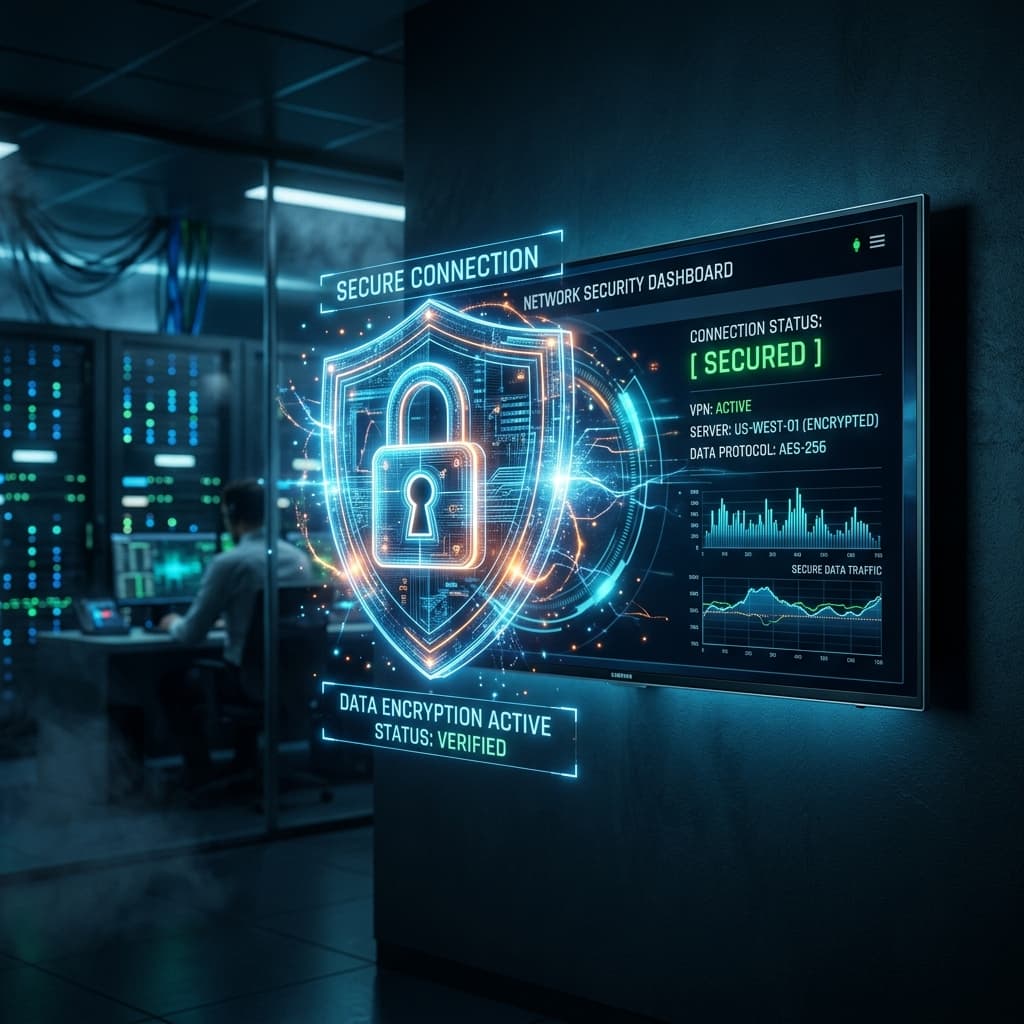
QUICK DIRECT ANSWER
Protect your network by using custom DNS configuration, strong Wi-Fi encryption, and a reliable VPN to prevent data logging.
Privacy is critical when consuming digital media. Monitoring tools and ISP logs track your browsing history. Secure your connection parameters to maintain absolute streaming anonymity.
Table of Contents
1.Why Stream Privacy Matters
When you connect directly to a streaming server without protection, your IP address is exposed. Hackers or ISP monitoring tools can identify your device, trace your location, or restrict your traffic. Setting up a secure tunnel prevents this exposure entirely. ISPs are legally permitted to record metadata, including domain lookups and raw transfer size, which exposes your streaming activities.
2.Secure Playlist Management
Never share your M3U playlists or Xtream Codes details on public forums. Keep your password unique and rotate login credentials regularly to protect your active connections. If someone copies your M3U text link, they can access your stream allotment, which will block your own TV from connecting due to multi-device limit protection.
3.Comparison Matrix
| Security Layer | Target threat | Protection level | Implementation Difficulty |
|---|---|---|---|
| VPN Encryption | Data Logging | Maximum Protection | Easy |
| Secure DNS | Address Hijacking | High | Easy |
| Rotated Passwords | Credential Sharing | Moderate | Immediate |
4.Pros and Cons
Pros
- •Complete anonymity: Ciphers your active stream history.
- •Threat blocking: High-quality VPN servers filter malicious ads.
- •Access restoration: Safely bypass regional network limits.
Cons
- •Subscription cost: Professional VPNs require a small subscription fee.
- •Latency: Slight latency increases due to server routing.
- •Compatibility: Older devices might require manual setup adjustments.
5.Common Challenges
The primary error is choosing a free VPN service. Free VPNs make money by logging and selling your streaming data. Always use a reputable paid VPN with a zero-logs policy. Additionally, entering credentials into unverified player websites (like web-based players) risks account hijacking.
6.Step-by-Step Troubleshooting
- 1Select Zero-Logs Provider: Ensure the VPN company maintains an audited policy.
- 2Install at Router Level: Protect all home devices by configuring the VPN on your main router.
- 3Check IP Leakage: Use DNSleaktest tools to verify that your real IP address is hidden.
- 4Change Default Player Ports: If using custom software, shift listening ports away from standard ranges.
Frequently Asked Questions
Q:Are free VPNs safe for streaming?
No, free VPNs limit speeds and compromise your privacy by logging and selling data.
Q:How does a VPN protect my data?
It encrypts your internet connection, creating a secure tunnel between your device and the VPN server.
Q:Can my ISP see what I stream?
If you stream without a VPN, yes. Your ISP can view the target server domain names.
Q:Should I configure a VPN on my router?
Yes, configuring it on the router automatically secures all connected smart TVs and phones.
Q:What is E2EE in video streaming?
End-to-end encryption ensures only the sender and receiver can decrypt the data packets.
Q:Can a VPN prevent streaming buffering?
Yes, if your ISP is intentionally throttling your connection to streaming IP nodes, a VPN bypasses this block.
Conclusion
Applying basic security principles keeps your private data safe while streaming your favorite channels. Visit our setup guides to learn more about network safety.
Ready for a Premium Streaming Experience?
Join BEN IPTV today and get instant access to 20,000+ live TV channels, global sports events, and thousands of movies in 4K/8K.
Recommended Reading

Best IPTV Player for Smart TV: Setup & Configuration Guide
Optimizing Firestick for IPTV: System Requirements & Settings
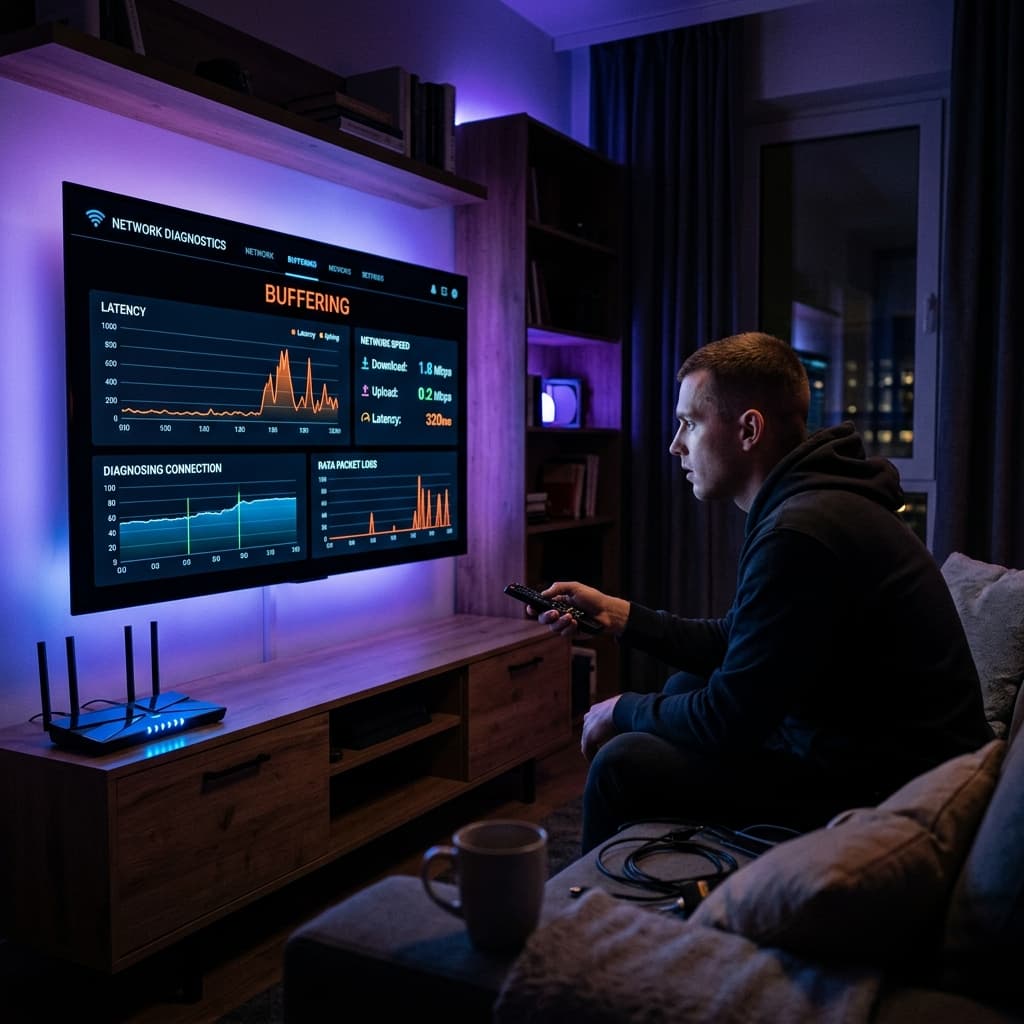
How to Troubleshoot IPTV Buffering: Network Diagnostics