Miglior lettore IPTV per Smart TV: Guida all'installazione
QUICK DIRECT ANSWER
To stream IPTV reliably on a Smart TV, prioritize dedicated media applications that support both M3U playlists and Xtream Codes API integration. Select players based on EPG compatibility, buffer size customizability, and developer support rather than pre-packaged contents.
Watching live television on a Smart TV has transformed. Instead of relying on proprietary hardware, modern Smart TVs (Samsung, LG, and Android) allow users to select their own software interfaces. Choosing the right player determines the stability, layout, and visual output of your stream. This guide explains the core concepts of IPTV players, hardware requirements, and how to set them up safely.
Table of Contents
1.Understanding IPTV Media Players
An IPTV media player is simply a shell. It does not contain pre-loaded channels or movies. Its primary function is to interpret playlist links (like M3U) or API credentials (like Xtream Codes) and format the raw streaming data into an organized user interface. Understanding this distinction is crucial: the player is the software, while the subscription is the data feed. A high-quality player guarantees hardware acceleration, smooth catalog indexing, and accurate program schedules (EPG). Without a good player, even the best server might stutter or crash. Professional streaming applications provide custom network options, such as adjusting the input buffer size, configuring hardware vs. software decoders, and setting up backup portal URLs to prevent dropouts.
2.Hardware and Operating System Requirements
To decode high-definition video formats without buffering, your Smart TV must meet key hardware requirements. Operating systems differ: Samsung uses Tizen, LG uses webOS, and brands like Sony, Philips, and TCL use Android TV or Google TV. Android-based TVs provide the greatest application variety, while Tizen and webOS offer robust performance but limited app libraries. Ensure your device has at least 1.5GB of RAM and is connected directly to a network switch or 5GHz WiFi. Low-end processors will struggle with processing massive live playlists, leading to interface lag or application crashes. It is crucial to check the background process limit on your TV and keep at least 1GB of internal storage free to cache streaming chunks.
3.General Setup Principles
While user interfaces vary, the setup principles for all IPTV players remain consistent. First, download your chosen player from the Smart TV app store. Second, retrieve your credentials (username, password, server URL, or M3U link) from your provider's dashboard. Third, input these details into the player interface. We highly recommend using the Xtream Codes API connection method rather than raw M3U URLs, as it automatically syncs channel groups, EPG updates, and movie catalogs. Xtream Codes parses data into separate databases on your TV, making search and filtering fast. Alternatively, MAG portal emulation requires configuring a virtual MAC address on your provider's portal. Regardless of the connection, make sure the stream format is set to HLS (HTTP Live Streaming) or TS (Transport Stream) based on your bandwidth capabilities.
4.Comparison Matrix
| Feature | Tizen (Samsung) | webOS (LG) | Android TV |
|---|---|---|---|
| App Availability | Moderate | Moderate | Extensive |
| RAM Requirements | 1.5GB+ | 1.5GB+ | 2GB+ Recommended |
| Connection Method | API / M3U Link | API / M3U Link | API / M3U / Custom Apps |
| Hardware Acceleration | Built-in | Built-in | App-dependent |
5.Pros and Cons
Pros
- •Direct integration: No external streaming boxes or cables required.
- •High performance: Native apps leverage TV hardware acceleration.
- •Clean layout: Organized EPG schedules and VOD categories.
Cons
- •App store restrictions: Samsung and LG stores have fewer player options.
- •System updates: Older smart TVs might stop receiving app updates.
- •Resource limits: Cheap smart TVs can experience lag due to low-end CPUs.
6.Common Challenges
Many users encounter issues like EPG data failing to load or audio-video desynchronization. In most cases, these are caused by low storage on the Smart TV or an outdated player version. Clearing the application cache or reinstalling the app usually resolves the issue. Ensure that the EPG URL is correctly formatted and that the player's audio decoder is set to Hardware mode rather than Software. If the EPG fails to load, it is often due to the player's internal memory hitting capacity limits while parsing thousands of channel listings. Clearing old search entries and narrowing the playlist down to necessary language categories solves this.
7.Step-by-Step Troubleshooting
- 1Reboot the Smart TV: Power off the TV, unplug it from the wall, wait 30 seconds, and restart it.
- 2Clear App Cache: Go to TV Settings > Application Manager, locate the player app, and select Clear Cache.
- 3Update the Player: Visit the app store and ensure you are running the latest software release.
- 4Switch Audio Decoder: Within player settings, toggle between Native, Hardware, and Software decoders.
- 5Filter Playlists: Disable unused country groupings to reduce RAM load.
Frequently Asked Questions
Q:Why does my IPTV player keep buffering?
Buffering is usually caused by network latency or internet speed throttling. Try connecting your Smart TV via ethernet or configure a reliable VPN connection.
Q:Can I use the same playlist on multiple Smart TVs?
Most premium subscriptions allow usage on one active screen at a time. To stream on multiple devices simultaneously, ensure your plan supports multiple connections.
Q:How do I update the EPG data?
Premium players automatically download fresh EPG schedules at startup. You can also manually refresh EPG sources in the application settings.
Q:Is a VPN required for streaming on a Smart TV?
While not strictly mandatory, a VPN is recommended to bypass ISP bandwidth restrictions and secure your streaming data.
Q:What is the difference between M3U and Xtream Codes?
M3U is a raw text link containing the stream URLs, while Xtream Codes is an API connection method that organizes streams, categories, and EPG schedules dynamically.
Q:Can I record live TV channels with these players?
Some premium players support recording (PVR) capabilities, provided you have a compatible USB drive or NAS connected to your Smart TV network.
Conclusion
Selecting the correct IPTV application enhances your viewing comfort on Samsung, LG, or Android Smart TVs. Once installed, simply pair the app with a high-performance IPTV Subscription to access thousands of high-definition channels instantly. For further installation assistance, please refer to our dedicated guides.
Pronto per un'esperienza di streaming premium?
Unisciti a BEN IPTV oggi e ottieni l'accesso istantaneo a oltre 20.000 canali TV in diretta, eventi sportivi mondiali e migliaia di film in 4K/8K.
Recommended Reading
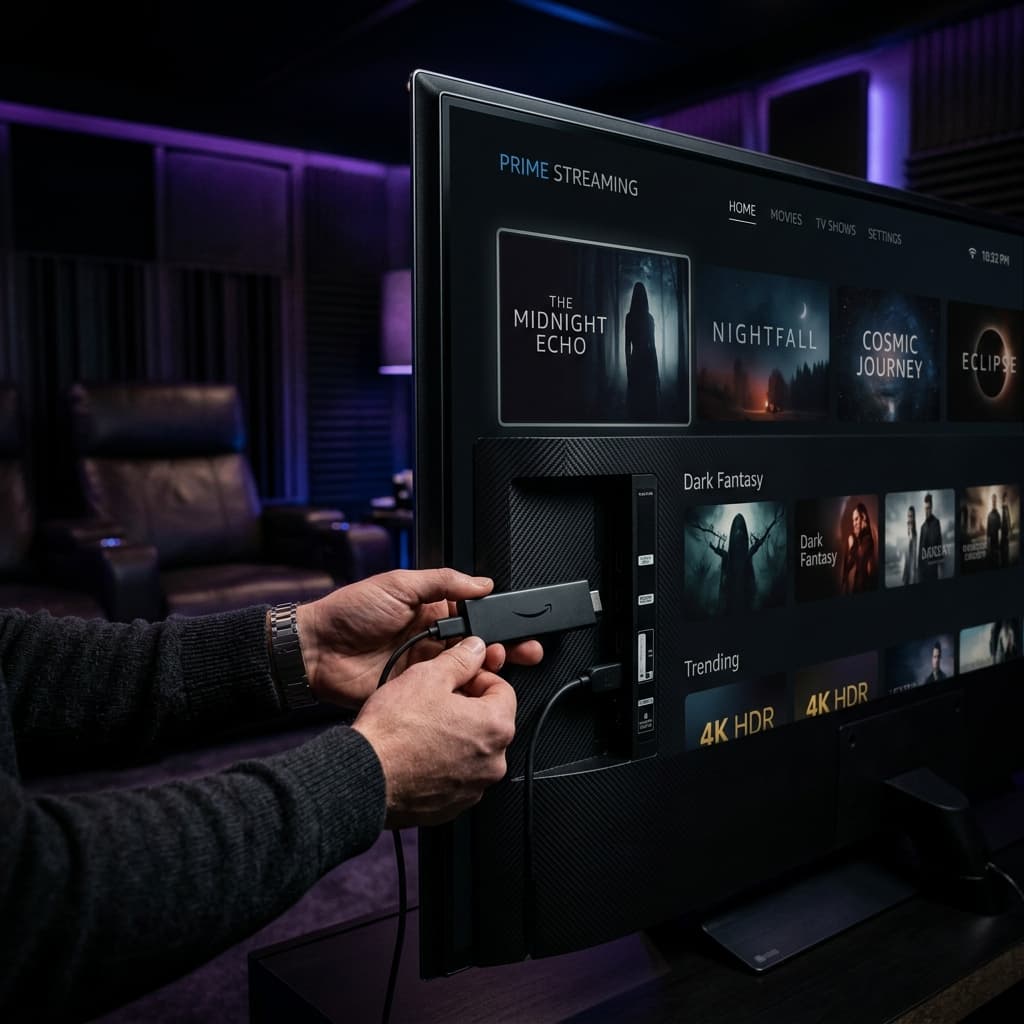
Ottimizzazione di Firestick per IPTV: Guida ai requisiti e alle impostazioni
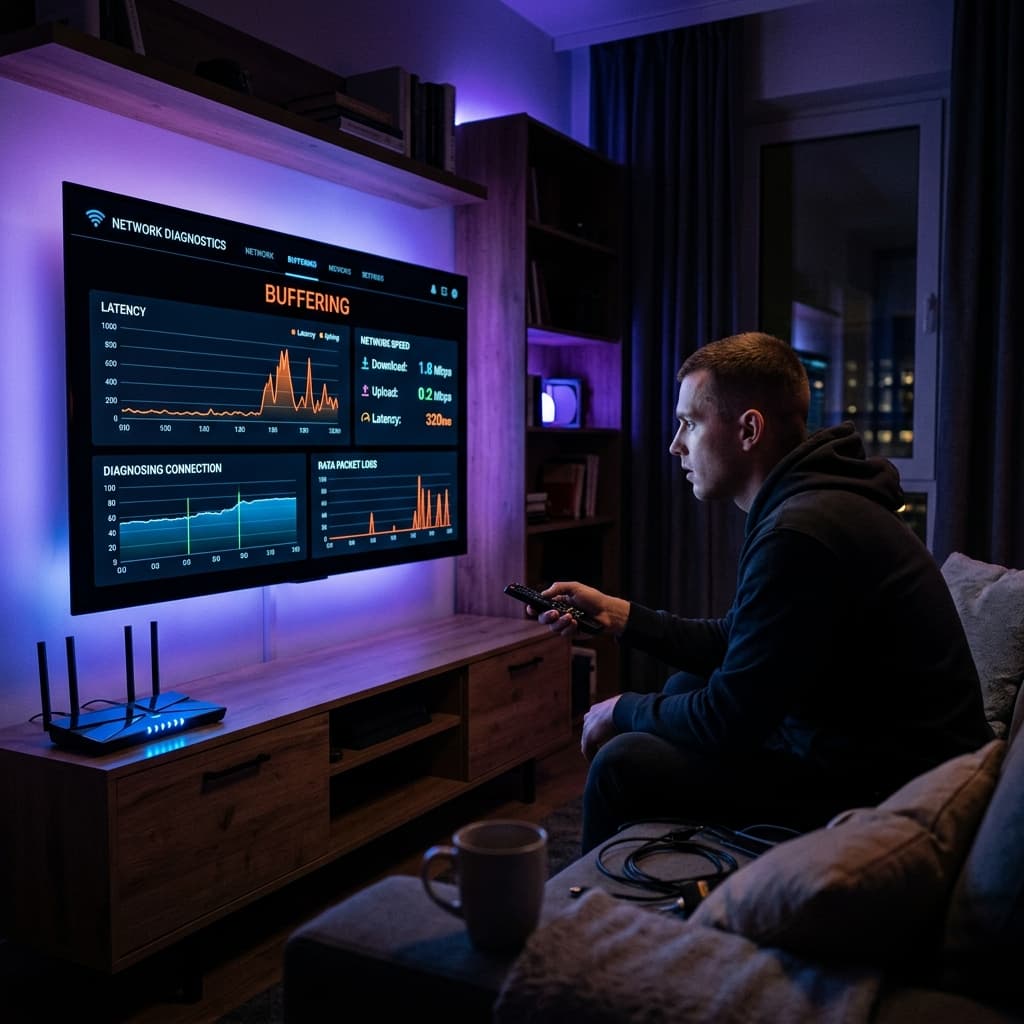
Come risolvere il buffering IPTV: Diagnostica di rete
Guida alla sicurezza IPTV: Come proteggere la tua privacy durante lo streaming