
Initial Configuration Guide for Android IPTV Boxes
QUICK DIRECT ANSWER
To configure a new Android IPTV box, complete the initial Google account setup, connect to your router via a physical Ethernet cable, download a player app like IPTV Smarters from the Google Play Store, and input your subscription details. Enable a VPN to prevent ISP stream throttling.
Setting up a brand new Android TV box can seem complex for beginners. From configuring display resolutions to adjusting network parameters, proper initial settings are vital to avoid video buffering and application crashes. This guide provides a step-by-step walkthrough to prepare your device for premium streaming.
Table of Contents
1.1. Initial Setup and Display Configurations
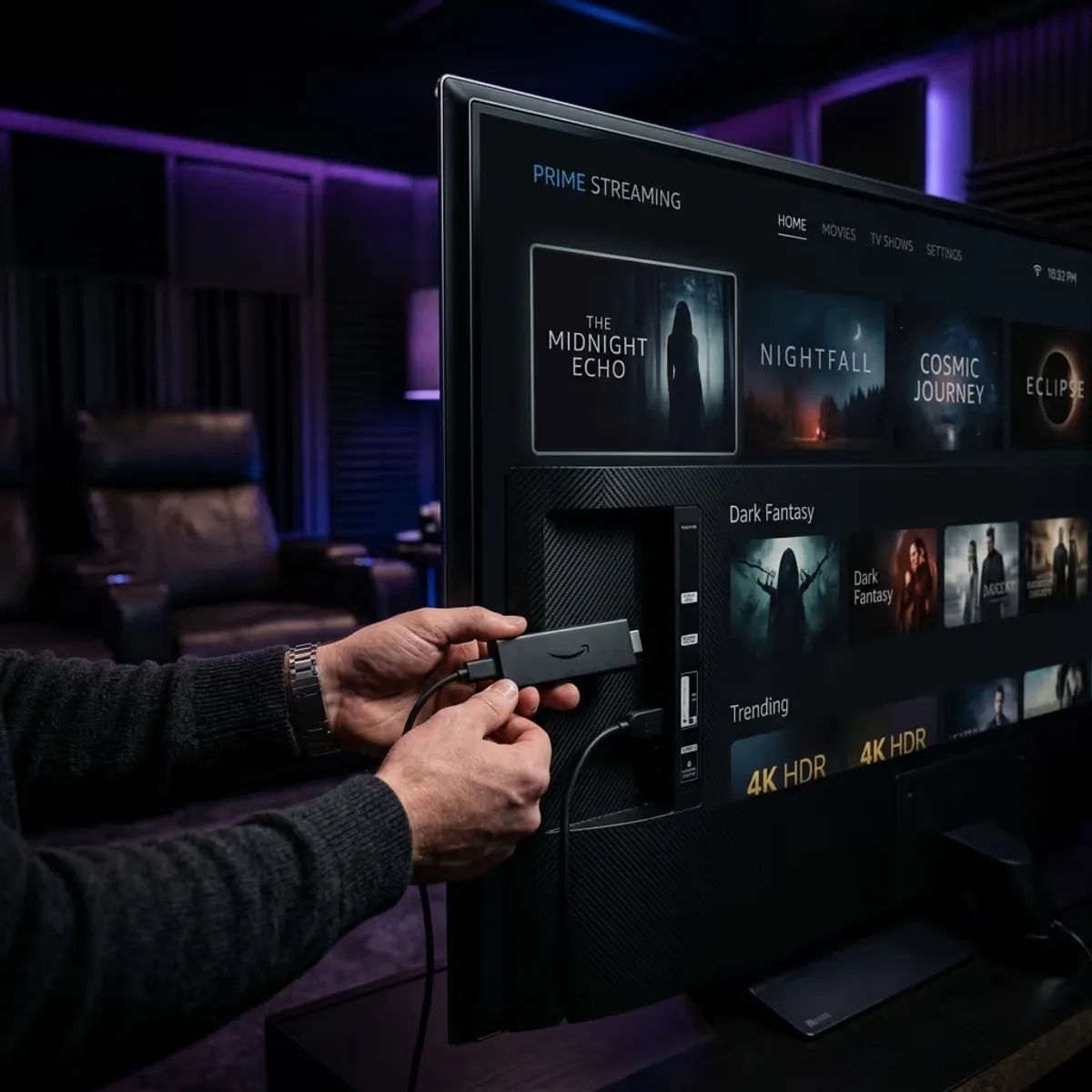
Connect your Android box to your television using a high-speed HDMI cable. Turn on the device and complete the startup wizard, including language selection and connecting to your home network. We highly recommend using a physical Ethernet cable rather than Wi-Fi to stabilize stream delivery.
Next, open the settings menu, access 'Device Preferences', select 'Display', and set the resolution to match your TV screen (such as 4K UHD @ 60Hz). To verify your new box decoding capabilities and check zapping speeds, you can sign up for our 24-hour free trial. Generating your credentials takes less than five minutes, with no credit card details required.
2.2. Setting Up Security and VPN Protection
Because Android TV boxes are connected to the internet, they are vulnerable to ISP data sniffing. If your internet provider detects continuous high-bandwidth video packets, they may apply speed blocks or limit your line speed. Installing a dedicated VPN application directly onto your box prevents this.
If you choose the BEN IPTV annual plan, you'll receive a premium VPN included free for the duration of your subscription. This premium service installs as a simple app, securing your connection and keeping your streams unthrottled.
3.Comparison Matrix
| Setup Phase | Action Required | Key Setting to Verify | Estimated Time |
|---|---|---|---|
| Network Prep | Connect Ethernet cable to LAN port | Link Speed (100 or 1000 Mbps) | 1 Minute |
| Display Settings | Configure screen resolution | 4K UHD @ 60Hz / Match TV | 2 Minutes |
| Application Setup | Download player from Play Store | Allow storage permissions | 2 Minutes |
4.Pros and Cons
Pros
- •Turns your television into a powerful home entertainment center.
- •Allows installation of advanced custom players like TiviMate.
- •Free premium VPN included with the annual subscription plan.
Cons
- •Requires initial Google account configuration to download apps.
- •Typing server URLs with a TV remote control remains slow.
- •Requires consistent internet speeds of 15 Mbps for Full HD.
5.Common Challenges
A common issue is the box menus lagging or player applications closing unexpectedly. This is usually caused by low system RAM due to background apps. Accessing your Android TV application settings and clearing active background tasks resolves this lag.
6.Step-by-Step Troubleshooting
- 1Access device settings and clear application cache data to free memory.
- 2Switch your connection from Wi-Fi to a physical Ethernet cable.
- 3Activate a VPN on your TV box to bypass local network routing bottlenecks.
Frequently Asked Questions
Yes, as long as your television has a functional HDMI port to connect the device.
Yes, configuring your network DNS to Google DNS (8.8.8.8) can resolve local routing blocks.
Conclusion
Configuring your Android box correctly guarantees a smooth streaming experience. Verify our stream quality by starting a free trial today.
Recommended Reading

Prueba BEN IPTV antes de suscribirte
Los dispositivos, sistemas operativos y reproductores de IPTV se comportan de manera diferente. Una cuenta de prueba gratuita le permite verificar estos paramètres clave antes de elegir una suscripción:
- ✓Verificar compatibilidad de dispositivo
- ✓Controlar calidad de transmisión
- ✓Probar disponibilidad de canales
- ✓Evaluar rendement de l'appareil
- ✓Confirmar estabilidad de red