
How to Install and Setup BEN TV on Amazon Firestick
QUICK DIRECT ANSWER
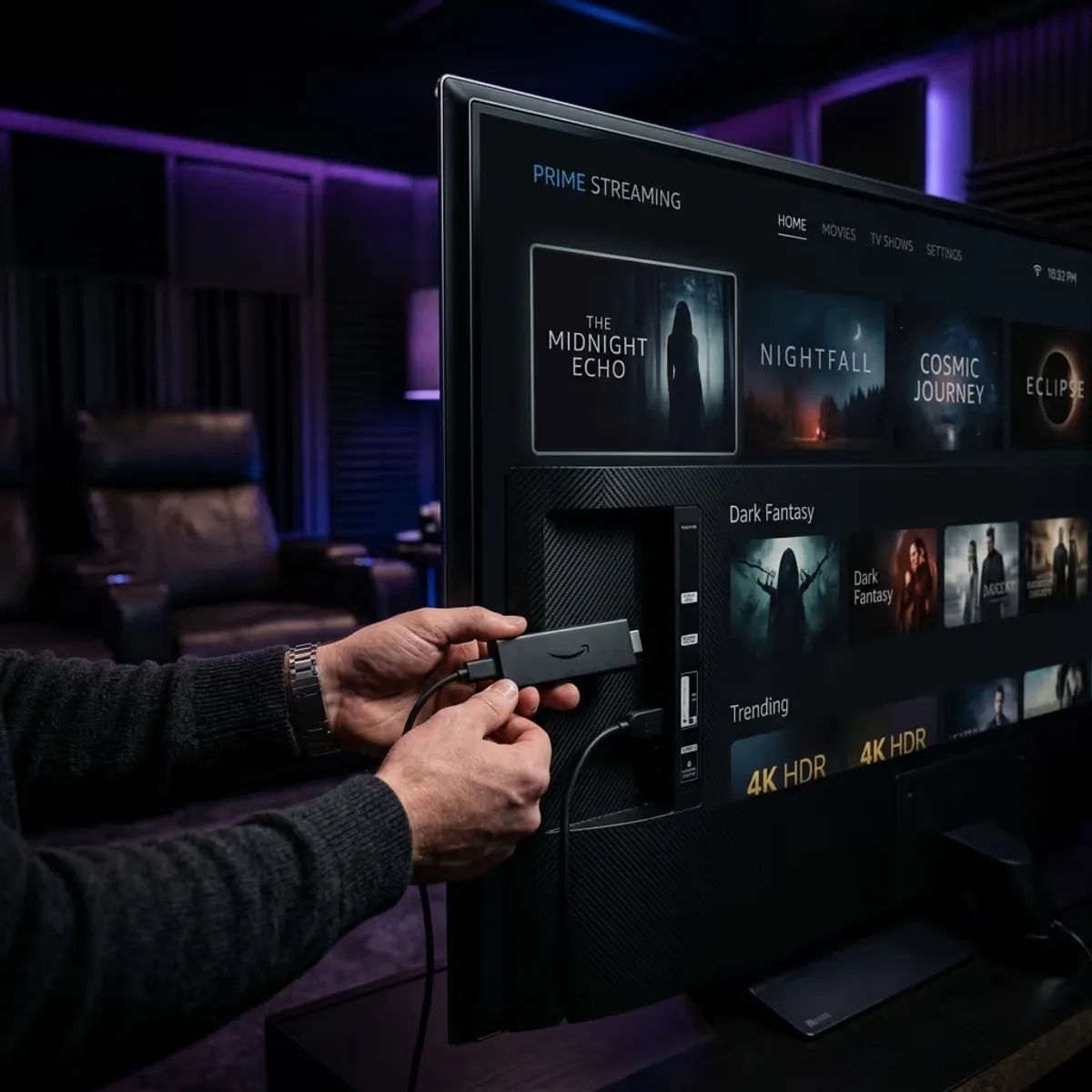
To install BEN TV on Amazon Firestick, download the 'Downloader' app from the Amazon Appstore, enable 'Apps from Unknown Sources' in developer options, enter the player download path, and log in with your subscription details. Bypassing local ISP limits is best done by activating a secure VPN.
The Amazon Fire TV Stick is one of the most popular streaming devices thanks to its performance and ease of use. Because IPTV player applications are often not listed on the official Amazon Appstore, they must be installed using a side-loading method. This guide provides step-by-step instructions to configure your Firestick.
Table of Contents
1.1. Configuring Developer settings and Downloader App
First, navigate to your Firestick Settings, select 'My Fire TV', and access 'Developer Options'. Enable the setting for 'Apps from Unknown Sources'. If this menu is hidden, go to 'About' and click the main OS Build title seven times to unlock it.
Next, open the Amazon Appstore, search for the 'Downloader' utility app, and install it. Launch Downloader, enter the direct download link for your preferred player app (such as IPTV Smarters Pro), and click install. You can test your new setup immediately by requesting a 24-hour free trial. The test configuration takes under five minutes, with no credit card required.
2.2. Setting Up Security and Unthrottled Streaming
Amazon Firestick devices continuously transmit system data and usage metrics. If your internet service provider detects high-bandwidth video packets, they may apply speed restrictions during popular sports broadcasts. Installing a VPN directly on your Firestick encrypts all streaming data packets, keeping your activity fully private.
If you choose the BEN IPTV annual plan, you'll receive a premium VPN included free for the duration of your subscription. This premium VPN can be downloaded as a standard app on your Firestick, helping you bypass ISP throttling.
3.Comparison Matrix
| Installation Step | Required Action | Key Setting | Estimated Time |
|---|---|---|---|
| Developer Options | Unlock Developer Menu | Click Build Title 7 Times | 1 Minute |
| Downloader Tool | Install from Amazon Store | Allow storage permissions | 2 Minutes |
| Player Application | Enter download URL in App | Run APK installer file | 2 Minutes |
4.Pros and Cons
Pros
- •Turns your compact Firestick into a complete home media center.
- •Simple installation process using the Downloader app.
- •Enables compatibility with advanced layout players like TiviMate.
Cons
- •Requires manual setting changes to allow external applications.
- •Older Lite sticks can experience interface lag on heavy playlists.
- •Requires consistent internet speeds of 15 Mbps for Full HD channels.
5.Common Challenges
A common issue is receiving an 'App Not Installed' error. This occurs when the Firestick has low storage space or you have not uninstalled older versions of the player app. Clearing storage space resolves this installer error.
6.Step-by-Step Troubleshooting
- 1Access device settings and clear local storage to free up space.
- 2Check that the Downloader application has storage access permissions allowed.
- 3Activate a VPN to check if your internet provider is blocking app download domains.
Frequently Asked Questions
Yes, side-loading is safe as long as you download verified player APK files from trusted directories.
Yes, we provide a custom-optimized player application designed specifically for Firestick remotes.
Conclusion
Installing our player app on your Firestick provides a stable viewing platform. Start your configuration by requesting a free trial today.
Recommended Reading

Arabic Sports M3U Bein Setup
Formuler Tv Box Review And Setup
Shield Tv Pro IPTV Setup
Prueba BEN IPTV antes de suscribirte
Los dispositivos, sistemas operativos y reproductores de IPTV se comportan de manera diferente. Una cuenta de prueba gratuita le permite verificar estos paramètres clave antes de elegir una suscripción:
- ✓Verificar compatibilidad de dispositivo
- ✓Controlar calidad de transmisión
- ✓Probar disponibilidad de canales
- ✓Evaluar rendement de l'appareil
- ✓Confirmar estabilidad de red